
The Favoured Craft
An Ultimate Remastered server (Minecraft 1.4.7) with a suite of custom-built systems. Here's everything running on it.
Minecraft 1.4.7
Based on FTB Ultimate
An Ultimate Remastered server (Minecraft 1.4.7) with a suite of custom-built systems. Here's everything running on it.
A community-created Minecraft 1.4.7 modpack aiming to be similar to FTB Ultimate with new content, and without the bugs, crashes and exploits.
Built on FTB Ultimate for Minecraft 1.4.7, a pack that hadn't been updated since May 2013. Ultimate Remastered improves on the original while preserving the classic mod ecosystem of that era. The Favoured Craft runs this pack with extra custom systems on top (listed below).
Base pack: github.com/ThePixelbrain/Ultimate-Remastered
Bug fixes made specifically for The Favoured Craft, on top of the base Ultimate Remastered pack driven by issues our players run into.
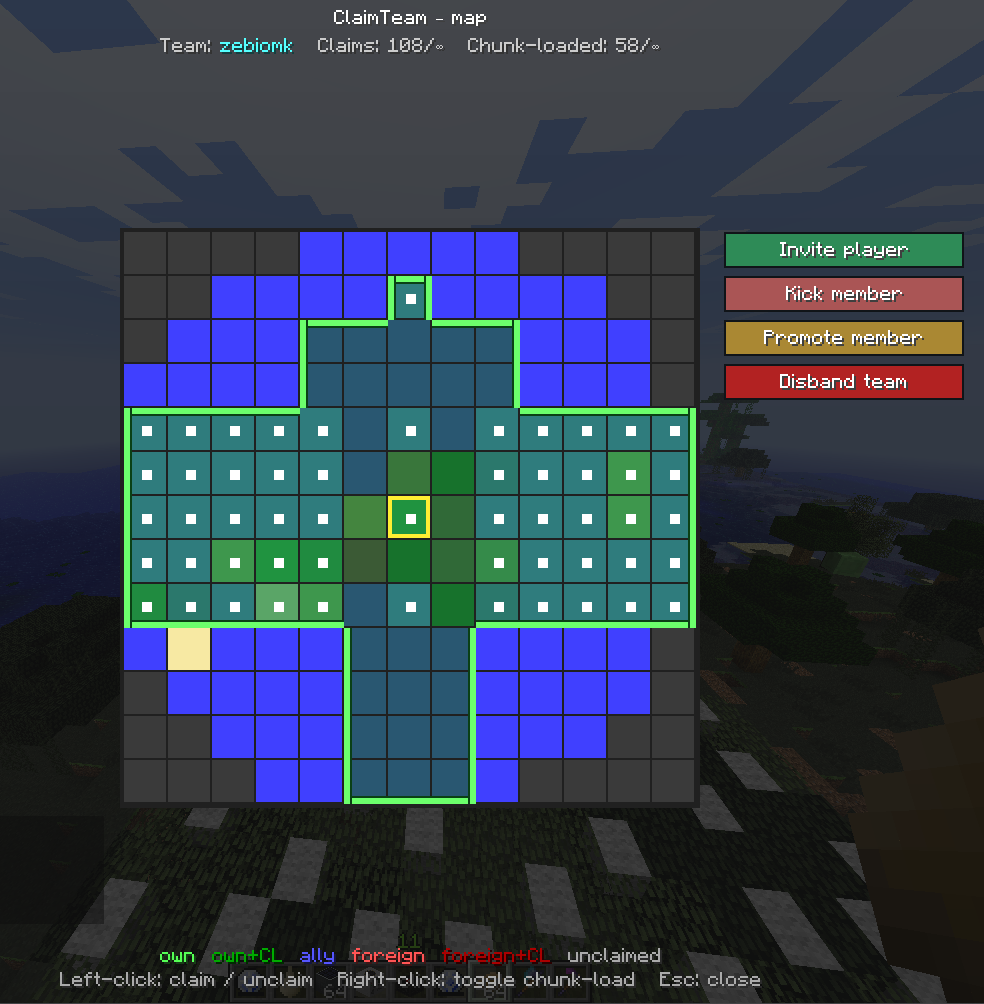
Chunk-based land protection, teams and chunk-loading an FTB Chunks + FTB Teams experience adapted to 1.4.7.
H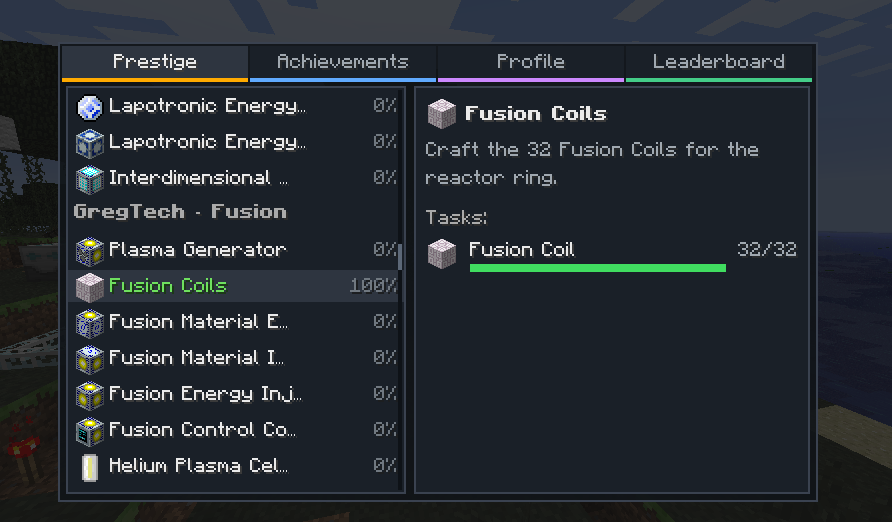
Config-driven quest system with a prestige cycle and titles. In-game quest book, progress overlays and completion toasts.
Q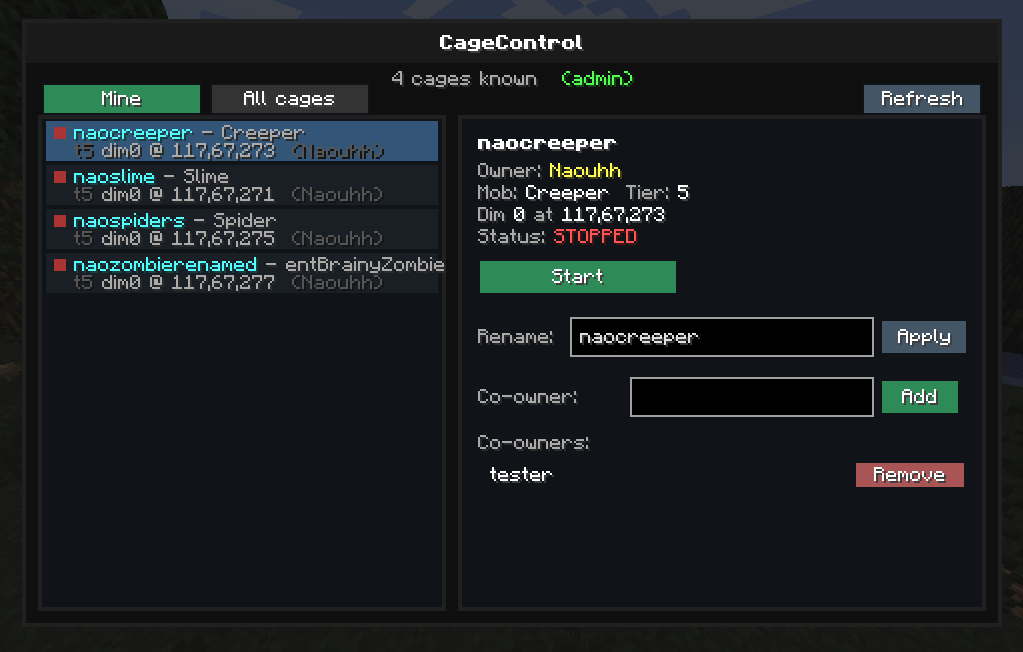
Stops Soul Cages from auto-spawning. Each cage is owned by the player who places it and is managed through a dedicated GUI.
K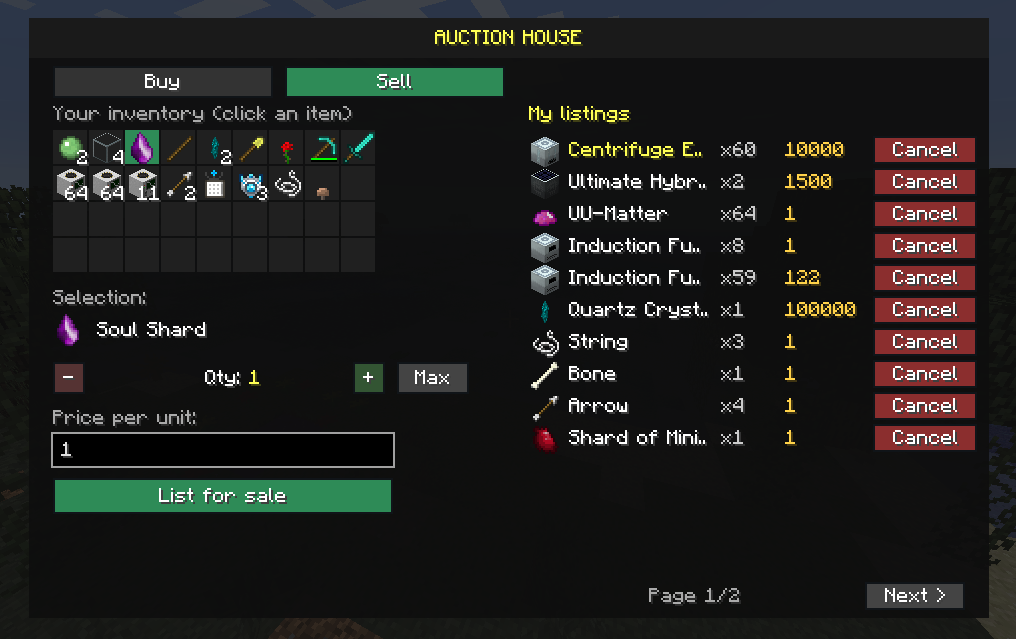
Player-run auction house with a custom GUI, backed by the Essentials economy. List items, browse offers and buy in a few clicks.
H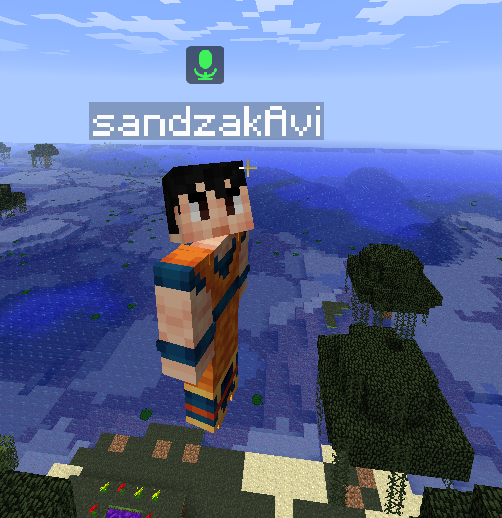
In-game proximity voice chat, push-to-talk, and per-talker distance attenuation.
V · Open GUI: B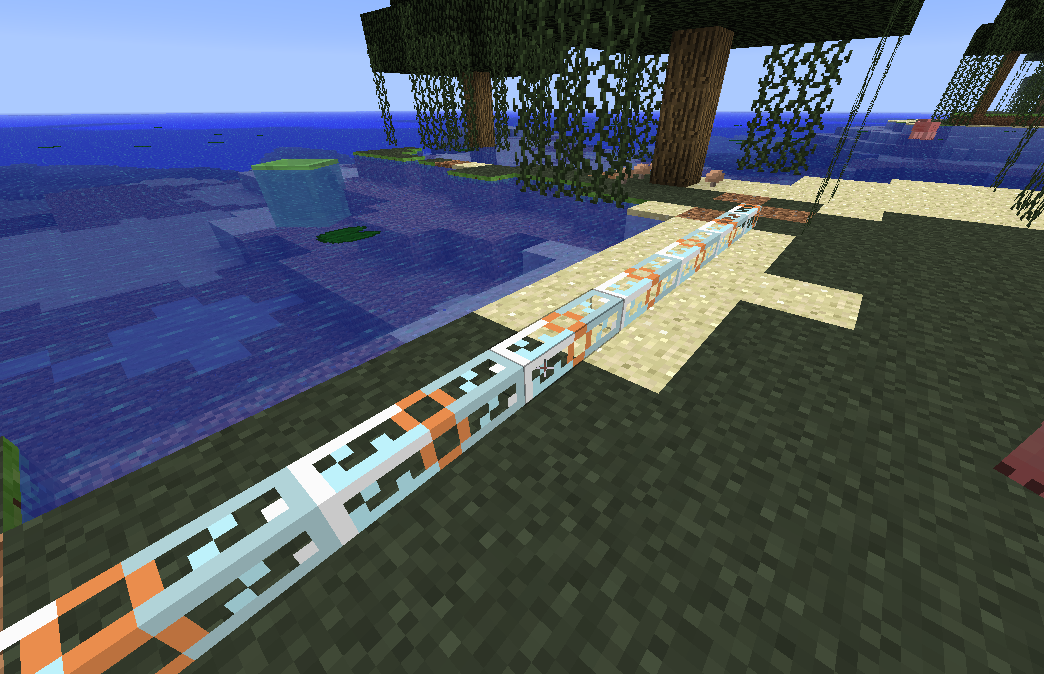
A reusable paint brush (stick + string + dye). Right-click IC2 cables to colour them; sneak + right-click cycles through the 16 colours.
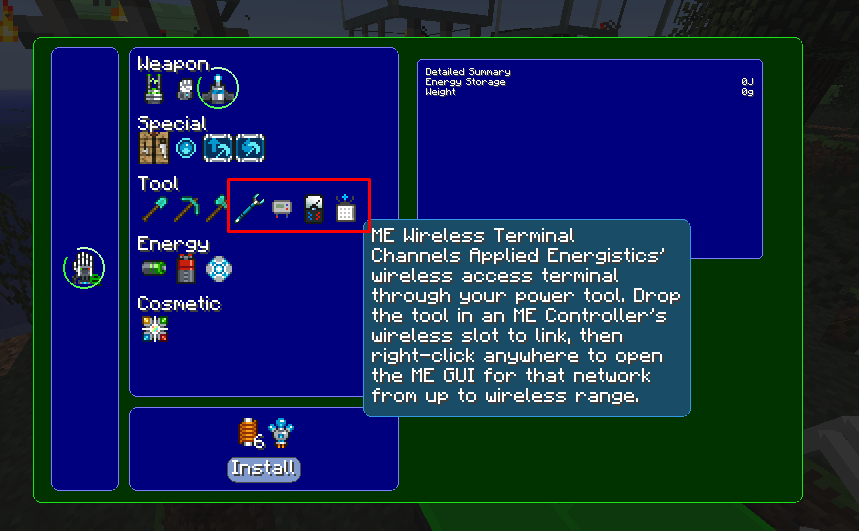
Modules for Modular Powersuits: Air Stride (mine at full speed midair), OmniWrench (universal wrench for BC/MFR/Railcraft/UE), EU Reader (IC2) and TE Multimeter, plus the flight ground-feel fix.
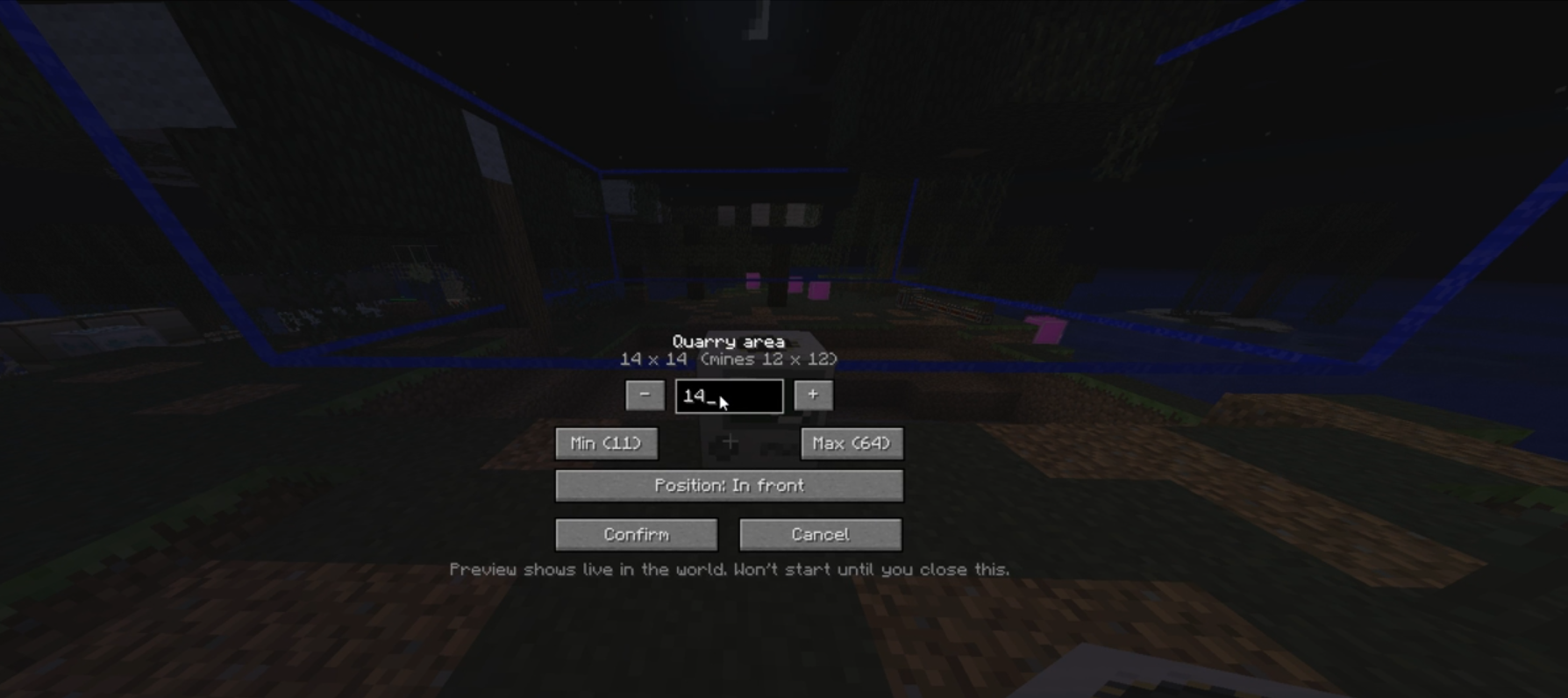
Edit a BuildCraft Quarry's mining area right at placement time: adjust the size and pick the front/corner, with a live laser preview before you confirm. Replaces the manual Landmark setup no more placing and wiring Landmarks by hand.
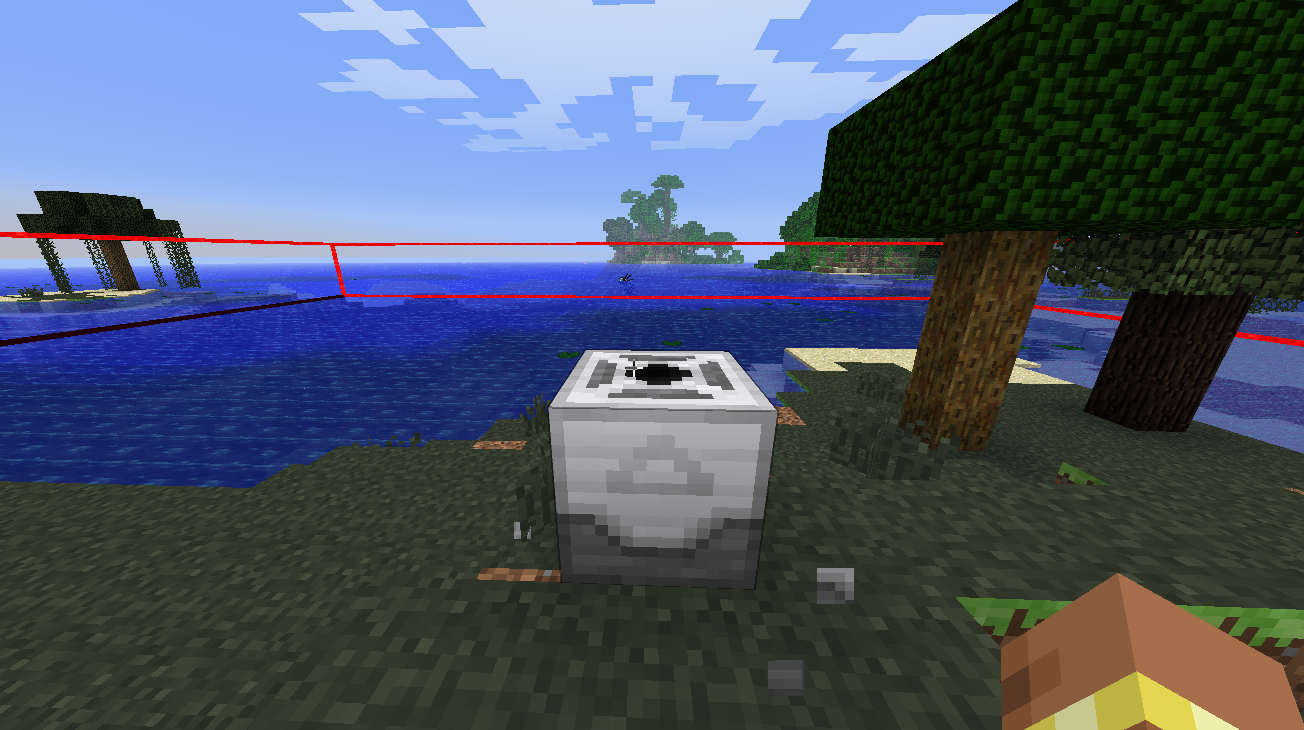
Sneak + left-click a MineFactory Reloaded Planter, Harvester or Fertilizer to flash its working area as a BuildCraft laser box for a few seconds. A quick way to check a machine's radius.
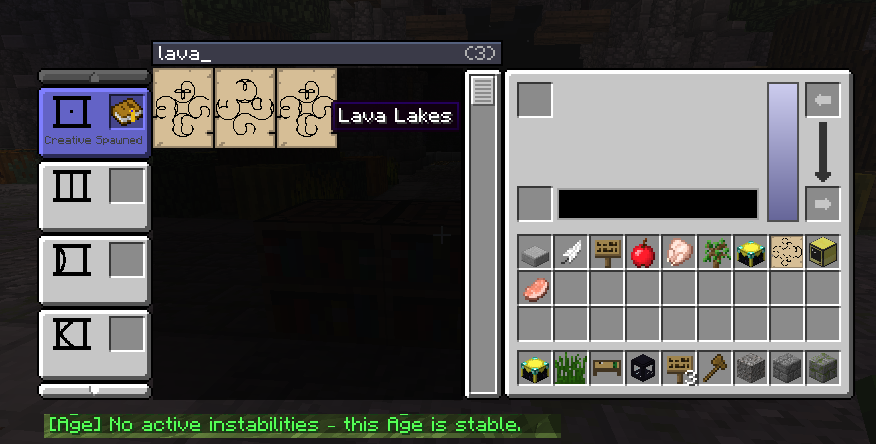
Quality-of-life tools for Mystcraft: a /instabilities command that reveals an
Age's instabilities, and a search bar on the Writing Desk to quickly find pages by symbol
name instead of scrolling.
/instabilities · Writing Desk page search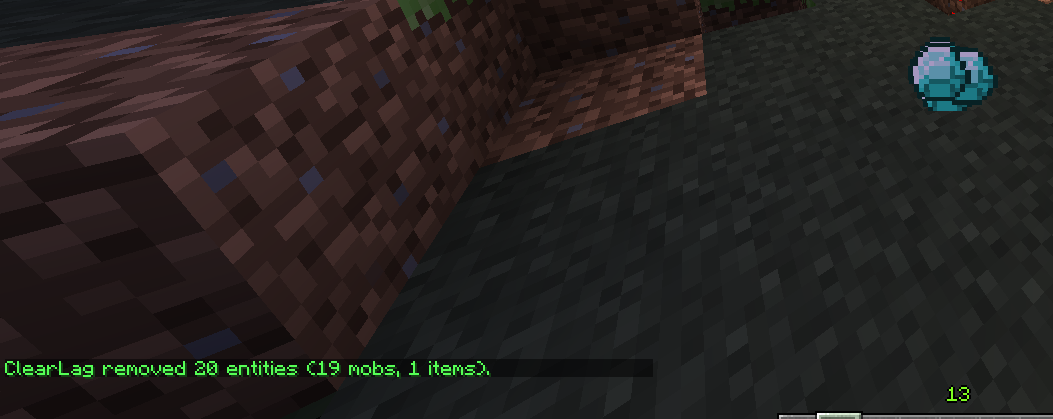
A custom ground-item cleaner that keeps the server smooth without eating your loot: items dropped close to players are spared from the sweep, so nothing important gets wiped by accident.
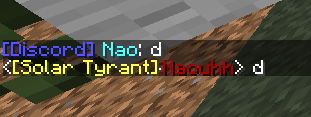
A two-way chat link between the server and Discord: in-game messages show up in Discord with each player's name and head as the avatar, and messages from Discord appear in game chat. Stay in touch with the community even when you're away from the game.
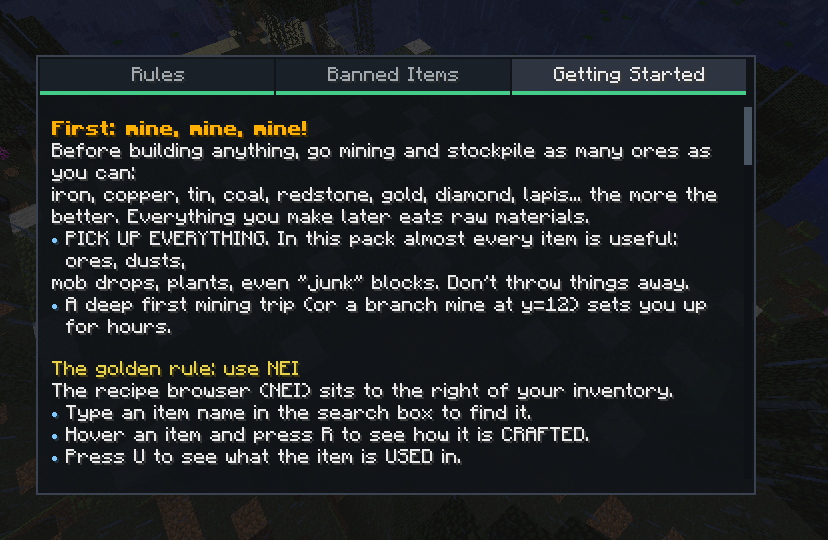
An in-game multi-page guide book: server rules, banned items and a beginner's tutorial for the modpack. All content is plain editable text.
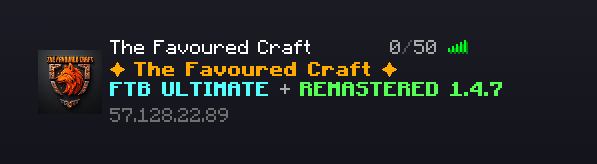
Custom multiplayer server list with a bundled server icon and a multi-line, coloured MOTD. The server already appears in the list on first launch.
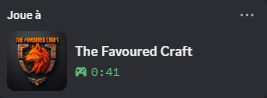
Shows "Playing on The Favoured Craft" in each connected player's Discord activity.
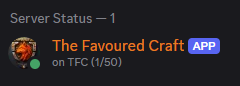
A Discord bot that shows the server status in its presence e.g. "Playing on TFC (9/512)", and "Watching TFC (offline)" in Do-Not-Disturb when the server is down.
The server is brand new, so a few bugs may still slip through. If you run into one, report it issues are taken seriously and fixed very quickly based on player feedback.
Got an idea or a suggestion? Those are welcome too. The pack and the custom systems keep evolving, and player input directly shapes what comes next don't hesitate to share your thoughts.
Download and install Prism Launcher (free). It manages the modpack and keeps it updated for you.
You'll also need a Java 8 runtime for Minecraft 1.4.7 Prism can install it automatically.
Grab the instance file The Favoured Craft.zip, then in Prism:
Add Instance → Import from zip → select the file.
Hit Launch. On first start the pack downloads every mod and config automatically, and re-syncs on every launch you never install mods by hand.
Open Multiplayer The Favoured Craft is already in your server list. Click it and play.
Manual address if needed: ftb.tff.gg